

Cloud and Kubernetes Resource Rightsizing Guide



If you deploy applications in modern environments, like the cloud or Kubernetes, you likely have two key goals: You want your apps to perform well, and you also want to minimize your hosting costs.
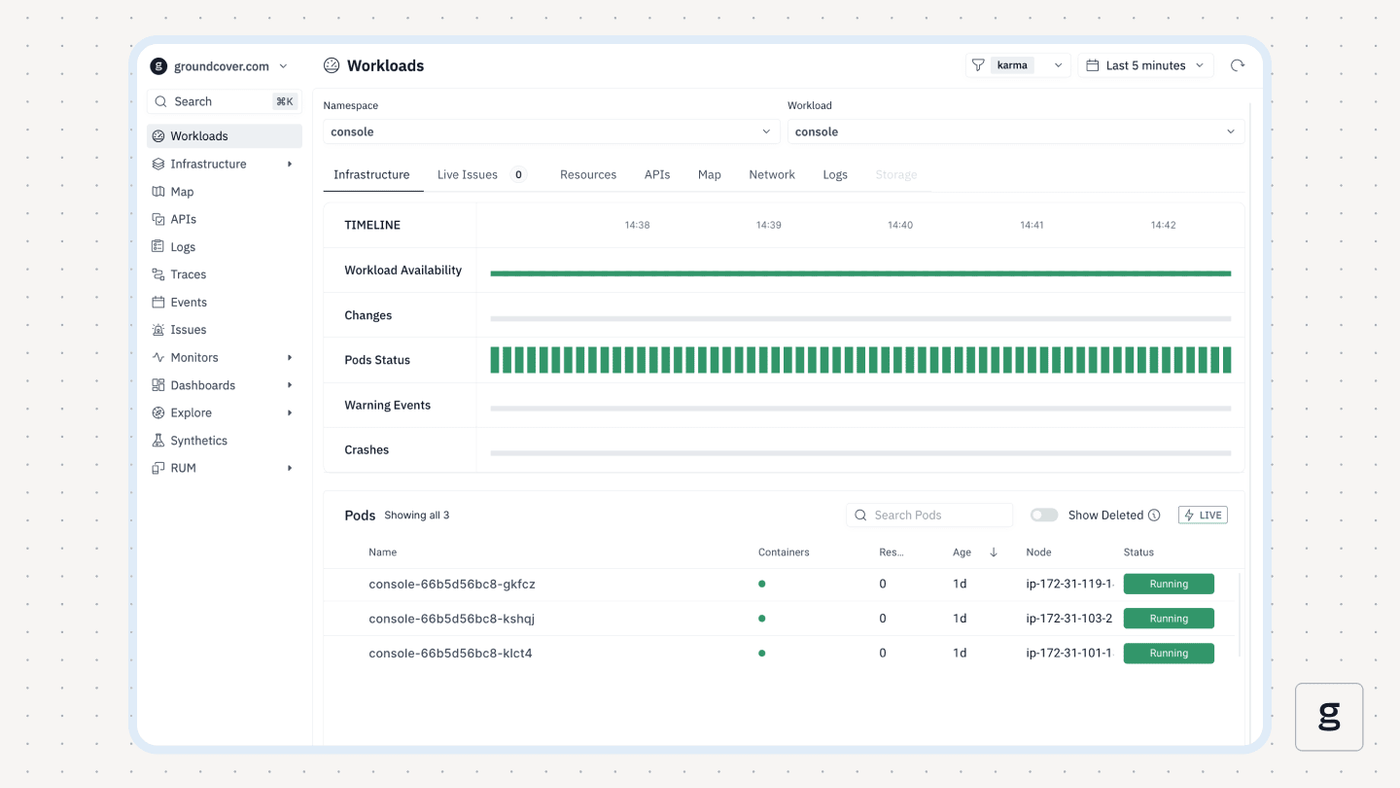
Those goals can sometimes be in tension. Maximizing performance requires giving apps a large amount of resources. But assigning large amounts of resources also increases cloud computing costs. Fortunately, it’s possible to square this circle using resource rightsizing. By aligning resource allocations with actual workload requirements, rightsizing helps to achieve optimal application performance while minimizing the risk of wasting money.
Read on for a deep dive as we explain why resource rightsizing is important, which types of resources to rightsize, how to implement rightsizing in practice, and best practices for optimizing the impact of your resource rightsizing strategy.
What is resource rightsizing in cloud and Kubernetes environments?
Resource rightsizing is the process of optimizing the cloud resources assigned to workloads. The goal is to ensure that workloads receive the ideal amount of CPU, memory, storage, and other resources necessary to achieve their performance goals, without allocating more resources than necessary. In this way, rightsizing maintains adequate performance while helping to reduce costs.
Rightsizing can occur in any type of environment. But it’s especially important in the cloud and Kubernetes, where resource allocations can be adjusted dynamically. To perform rightsizing, admins use tools that modify the amount of CPU, memory, and other resources assigned to virtual servers, applications, Pods or containers.
Why resource rightsizing matters for performance and cost
Resource rightsizing supports two key goals:
- Performance optimization: Rightsizing helps ensure that workloads receive the necessary amount of resources to perform well. In other words, it reduces the risk of situations where a workload lacks sufficient CPU, memory, or other resources for performing at a desired level.
- Cost optimization: Rightsizing achieves cost savings and cost efficiency by helping to ensure that organizations don’t allocate an excess amount of resources to workloads. Since businesses typically have to pay for however many resources they allocate, regardless of whether the resources are fully used, excess allocations can result in financial waste when hosting applications in the cloud (or in a cloud-based Kubernetes environment).
What makes rightsizing all the more important is the fact that resource requirements often change. For example, an application might require relatively few resources when it is first launched because it has few users initially. But as its user base grows, it requires more resources because it has to support more requests.
For this reason, teams can’t simply assign a certain amount of resources to an app and be confident that they will always be the ideal amount. Instead, they should rightsize the resource allocations by adjusting them as needed to keep allocations in balance with actual requirements within their cloud investments.
Key metrics to monitor for effective resource rightsizing
| Metric | Purpose |
|---|---|
| CPU utilization | Tracks total CPU load |
| Memory utilization | Tracks total memory usage |
| Disk usage | Tracks usage of disk space for stateful apps |
| Request rate | Tracks how many requests the app is processing |
| Latency | Tracks the speed of application responses |
| Concurrent users | Tracks the total number of active users |
To perform rightsizing, you first need to know which resources your workloads are currently using. Key metrics to track include:
- CPU utilization: This reflects how much CPU (or virtual CPU, on systems where CPU resources are virtualized) capacity a workload is currently consuming as a percentage of the total CPU available to it.
- Memory utilization: Reports how much memory a workload is using as a percentage of total available memory.
- Disk usage: For stateful applications (meaning those that store data persistently), disk usage metrics track how much persistent storage space an application is consuming.
For additional context, it also helps to monitor metrics related to application load, including:
- Request rate: Tracks how many requests the application is processing per second or minute.
- Latency: Measures how quickly the application responds to requests.
- Concurrent users: Tracks the average number of active users.
This data is useful because application load can fluctuate between times of the day or days of the week. When rightsizing resources, it’s important to consider not just how many resources your app needs at present, but how those requirements could change during times of higher or lower application load. Ideally, you’d continuously adjust resource allocations in real time as load fluctuates, but that’s not always possible.
Common causes of overprovisioning and underprovisioning of resources
At first glance, rightsizing may seem almost unnecessary because it might not appear all that hard to avoid over- or under-provisioning resources. But in reality, this can happen for a variety of reasons:
- Fear of downtime: In a bid to avoid major performance issues that could cause an app to slow down dramatically, or even crash, some teams have a tendency to allocate excess resources. More resources typically help to prevent performance issues, but they come at a steep financial cost.
- Cost pressures: On the other side of the coin, admins may face pressure to minimize costs, or find themselves working with limited cloud computing budgets. In that case, they might under-allocate resources in a bid to save money.
- Changes in application load: As we mentioned, application load can change over time. If you allocate resources based on a snapshot of your app’s load at a single point in time, you may assign more or fewer than it requires overall.
- Application bundling: To simplify resource provisioning, admins may choose to allocate resources to a group of applications (such as all of the Pods sharing a Kubernetes namespace) instead of on an app-by-app basis. While this does streamline the resource configuration process, it can result in situations where some apps have more or fewer resources than they need because their requirements deviate from the average resource needs of the application group as a whole.
How resource rightsizing works in practice
The actual process for rightsizing resources varies depending on which platform and tools you’re using.
In Kubernetes, rightsizing typically entails:
- Defining requests and limits. These tell Kubernetes how many resources to make available to workloads.
- Adding or removing nodes from your cluster, if your total node count is not in alignment with actual requirements.
- Replacing existing nodes with nodes that provide more or fewer resources. This is another way to modify total resource availability so that it better reflects actual requirements.
In a public cloud, the rightsizing process depends on which type of cloud infrastructure or service you’re using. Common cloud rightsizing scenarios include:
- Shutting down unused or idle servers, databases, and other resources to avoid unnecessary costs.
- Changing to a different virtual server instance type, if you’re using a cloud-based server service like Amazon EC2 or Azure Virtual Machines.
- Consolidating workloads to share a single cloud server, if doing so would be more cost-effective than keeping them on separate servers.
- Deleting unnecessary data from storage services like Amazon S3 and Azure Blob Storage.
- Migrating data to lower-cost storage tiers (like S3 Glacier) where appropriate.
It’s also possible to save money in the cloud by switching to discounted server instances (like reserved instances in place of pay-as-you-go instances). This is technically not a form of rightsizing because it doesn’t change resource allocation; it just lowers the cost of the cloud resources you are consuming. Nonetheless, it’s a strategy worth considering alongside classical rightsizing tactics.
Key resource types that benefit from rightsizing
There are four main types of resources that teams can typically rightsize:
- CPU: They can adjust the CPU time allocation or the amount of virtual CPU (vCPU) capacity allocated to workloads.
- Memory: Memory assignments can be adjusted to define the minimum and maximize memory available to workloads.
- Storage: For stateful workloads, total storage availability can be adjusted.
- Network bandwidth: In environments where load balancers are available, the amount of data that a workload is allowed to transfer over the network can be modified.
Resource rightsizing in Kubernetes workloads
We’ve touched on Kubernetes resource rightsizing, but let’s dive deeper by looking at exactly how the process works.
Unlike in the cloud in general, where you can typically only rightsize resources by modifying the configuration of the virtual servers that host workloads, Kubernetes gives you the option of rightsizing based on Pods (meaning individual applications), namespaces (which host groups of applications), or the entire cluster (where you can adjust node count and type).
Manual vs. automated resource rightsizing approaches for Kubernetes
| Characteristic | Manual rightsizing | Automated rightsizing |
|---|---|---|
| Frequency | Periodic | Frequent or continuous |
| How it works | Admins manually adjust resource requests and limits | Software tools modify resource allocations automatically based on changes in application load |
| When to use | For workloads whose resource requirements don’t change frequently, or for mission-critical workloads where automated rightsizing may prove risky (due to the chance of automated tools making a poor decision) | For dynamic workloads whose resource needs change regularly |
Kubernetes also supports both manual and automated rightsizing practices.
The manual approach is to use kubectl to change resource allocations. For example, you could increase the maximum memory available to a Pod to 500 megabytes by modifying the limits section of its YAML code, which looks like this:
You’d then redeploy the Pod for the change to take effect.
To perform automated rightsizing in Kubernetes, you’d use one or more of the following autoscalers:
- The vertical Pod autoscaler (VPA), which can automatically adjust CPU and memory requests and limits in response to changes in load.
- The cluster autoscaler (available only with certain cloud-based Kubernetes services), which can add or remove nodes from a cluster based on changing resource requirements.
Challenges and risks in resource rightsizing efforts
While rightsizing is a valuable way to balance performance with costs, it’s also subject to several potential challenges:
- Lack of observability context: To work well, rightsizing requires deep insights into the performance requirements and trends of workloads, which means observability data. If you base rightsizing efforts on a fraction of available observability data, or you look only at a certain point in time without considering trends over time, you may apply configurations that don’t optimize performance and cost.
- Lack of business context: Understanding the business goals of workloads is also a critical component of rightsizing, and without it, admins can make poor decisions about rightsizing. For instance, for a low-priority workload, it might make sense to allocate fewer resources, even if doing so makes it more likely that the app will underperform. Likewise, for a mission-critical workload, the business might prefer to allocate more resources as a way of maximizing performance guarantees, even if it runs the risk of wasting money.
- Failure to create appropriate resource buffers: Rather than assigning the bare minimum amount of resources necessary to achieve a performance goal, it’s important to leave a buffer. For example, you might assign 20 percent more CPU than you expect an application to need at peak usage so that if its load exceeds your expectation, it won’t crash. But failure to calculate an appropriate buffer could lead to situations where apps underperform, or where you waste money because you create a larger buffer than necessary.
- Not rightsizing frequently enough: If you only rightsize workloads when you first launch them, or on an infrequent basis, it’s likely that resource allocations and performance requirements will drift out of alignment over time.
Best practices for effective resource rightsizing
To mitigate those challenges and get the most out of resource rightsizing, consider the following best practices:
- Use automated rightsizing: Where possible, take advantage of automated rightsizing capabilities, such as the VPA feature in Kubernetes. This helps guarantee that you continuously update resource allocations in response to changing demands.
- Don’t blindly trust automated recommendations: Some cost management tools (like AWS Cost Explorer) offer auto-generated recommendations about how to rightsize workloads. While these are certainly valuable to consider, they lack insights like the business context of each workload - so it’s important to assess them critically rather than following the advice blindly.
- Generate deep observability context: The more observability data you collect about workloads, and the broader the period of time it represents, the more effectively you can make decisions about how to rightsize.
- Rightsize granularly: Where possible, rightsize on a workload-by-workload basis. This isn’t always possible because not all platforms support workload-based rightsizing, but when you can do it, it will help guarantee the best balance between performance and cost.
Using observability to make confident resource rightsizing decisions with groundcover
When it comes to collecting the observability data you need to make informed rightsizing decisions, groundcover has you covered.
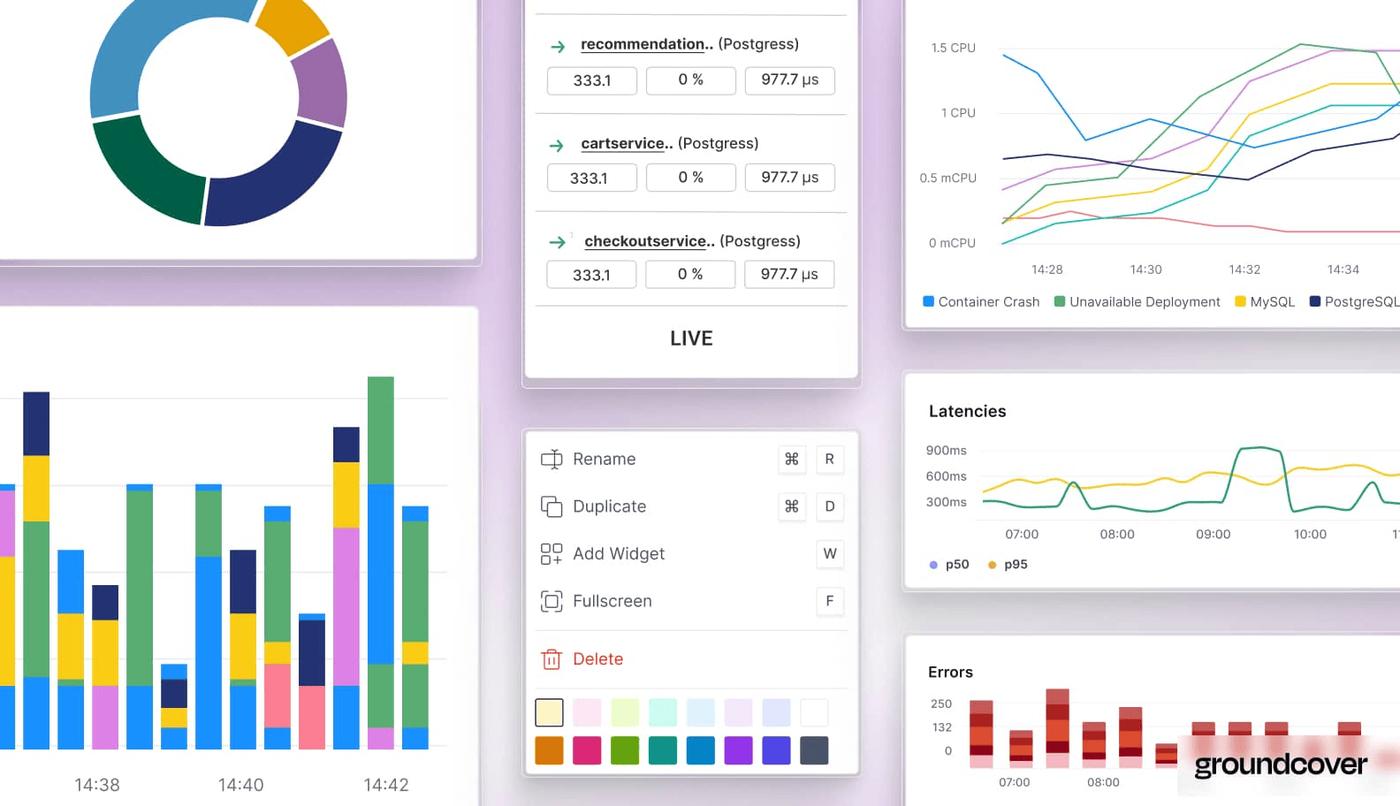
groundcover continuously collects a broad range of detailed resource utilization metrics. It also tracks load data, such as request and latency rates. And it does so at a variety of levels - from individual workloads to entire clusters. Together, this data clues admins into the ideal configurations for balancing performance with cost.
The right approach to rightsizing
Resource rightsizing is a powerful way to reduce cloud spend without sacrificing workload performance. But it requires deliberation and strategy - not to mention observability data, which is the foundation for making informed decisions about how and when to rightsize.
FAQs
Ideally, teams will continuously rightsize resources using automated tools that adjust resource allocations in response to changes in workload demand. If automated rightsizing is not possible, it’s a best practice to review resource allocations at least once a month, or whenever a major workload change (such as the deployment of a new feature) takes place.
Overly aggressive resource rightsizing can result in situations where applications don’t have enough resources to operate adequately, which in turn reduces performance. This is why it’s important to create a buffer between the maximum resources you expect a workload to need and the actual allocation.
By providing deep visibility into both resource utilization and application load, groundcover allows teams to determine how many resources their workloads actually need not just right now, but also based on future trends. With these insights, they can make rightsizing decisions that keep performance aligned with spending.



