
Session Replay for RUM: Debug User Sessions Faster
Discover how session replay for RUM helps you debug user sessions with full visibility while keeping data secure in your environment.
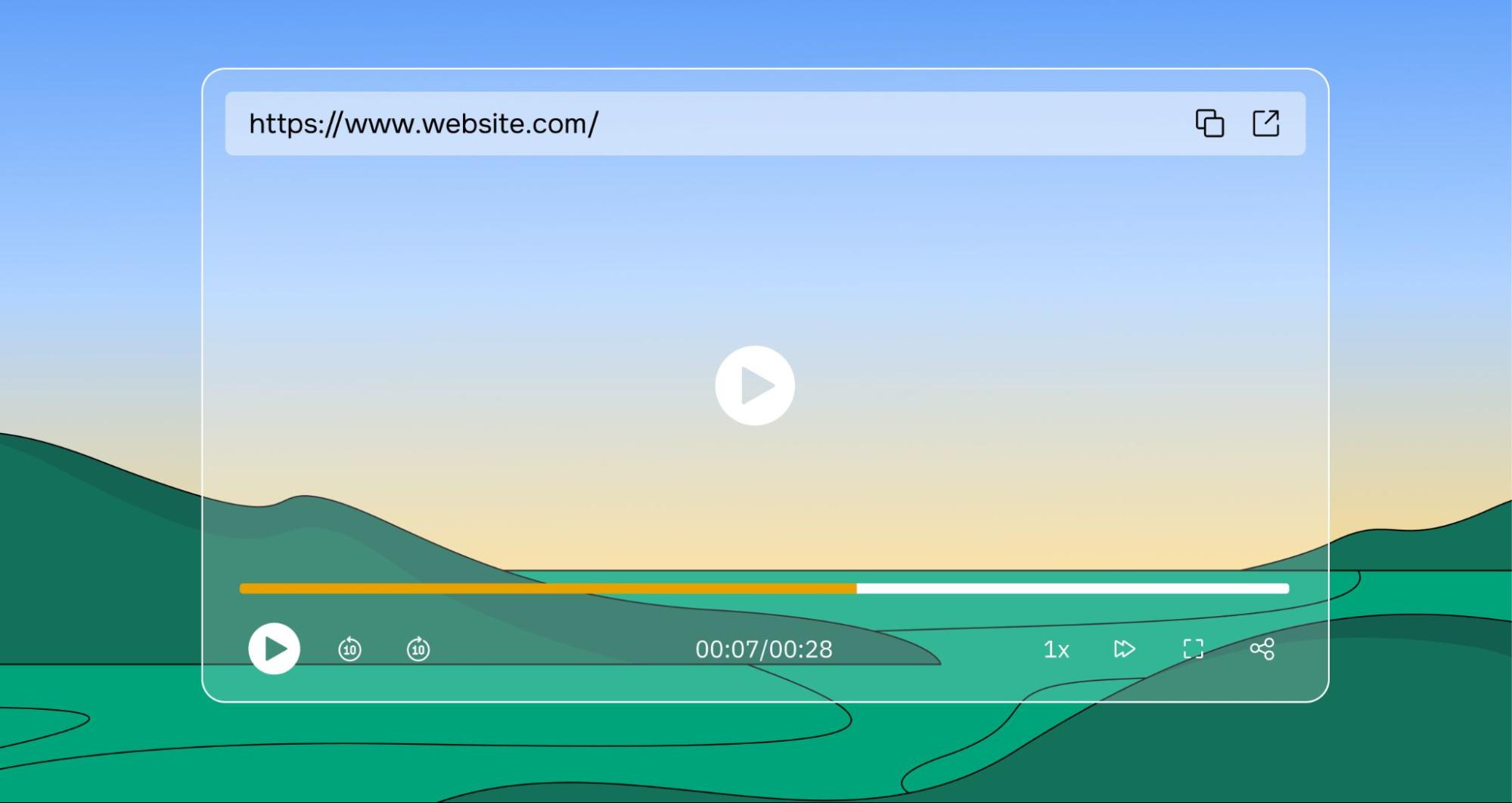

We recently released Session Replay as part of groundcover's Real User Monitoring capability, and I wanted to share a bit about what we built and the thinking behind it.
TL;DR — you can now record real user sessions and watch them back, directly inside the Sessions Explorer, stored entirely within your own environment.
The gap we kept hitting
Since launching RUM, we've had good coverage of what happens during a user session that covers every click, page load, network request, and error captured in a structured timeline. That's useful. But there's a class of problems it doesn't solve.
When something goes wrong and the logs and traces don't tell the full story, you want to see what the user actually experienced. Not infer it from events. Watch it. That's the gap Session Replay closes.
We were using a dedicated session replay tool internally alongside our own RUM, which was the clearest possible sign that we needed to build this. If our own team needed a separate tool to understand user sessions, our customers did too.
What we shipped
Session Replay lets you record a user's session and watch it back as a visual playback helping you see exactly what they saw, including every click, scroll, and interaction, right up to the moment something broke or they dropped off.
The replay lives inside the Sessions Explorer. When you open a session that has a recording, you'll see a Session Replay tab alongside the event timeline. The two work together so you can watch the replay and cross-reference the event timeline in the same view, then pivot to the correlated backend trace without leaving the session context.
Enabling it is a single SDK call:
And you can stop it at any point which is useful when users are about to enter sensitive data:
You can also mask specific elements in your UI using CSS classes, so anything you don't want captured never appears in the recording. Your privacy team can define this independently of the recording logic.
Why we built it the way we did
The obvious way to build session replay is the way most tools do it by streaming recordings to a cloud vendor. We didn't do that, for the same reason we don't do it for any other RUM data.
Session recordings contain sensitive user behavior. What pages they visited, what they clicked, how they navigated and that's a detailed picture of a real person's interaction with your product. Sending it to a third party introduces compliance risk and, more fundamentally, means you've lost control of it.
With groundcover's BYOC architecture, recordings are stored in your environment, subject to your retention policy, and deleted when the session expires. We never see them. Nobody else does either.
That's not a feature we bolted on. It's the same principle that shapes everything we build.
What's next
This is an early release. There's a lot more we want to add like better filtering, the ability to jump directly from a trace to the matching point in a replay, and improvements to the player itself. We're actively working through the feedback we've already received.
If you're on RUM today, Session Replay is available now for no extra cost. Check the docs to enable it. If you're not yet on RUM and want to get the full picture of what your users are experiencing — frontend and backend in one platform — this is a good time to take a look.

.jpg)











.svg)